Temponome
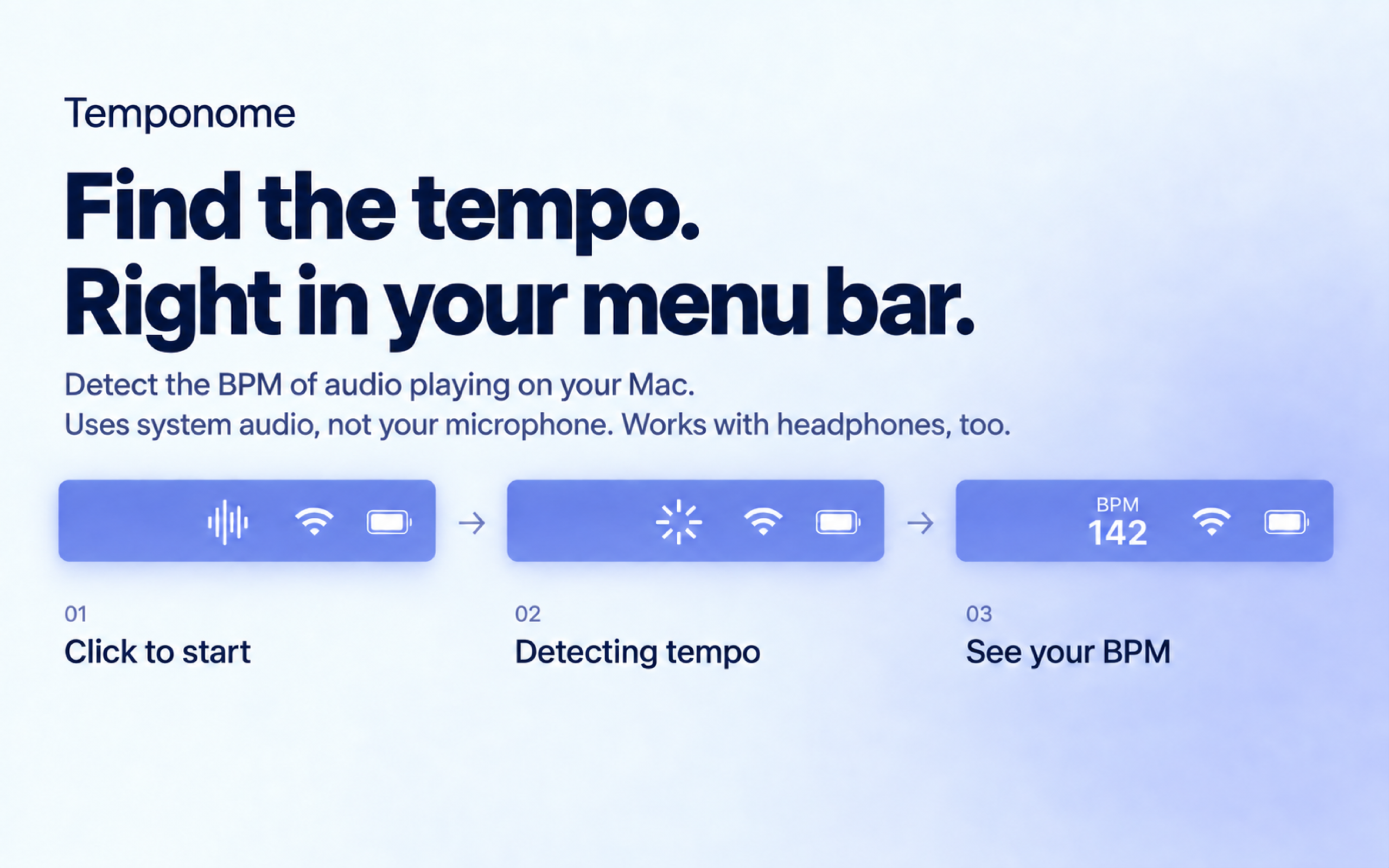
Find the tempo of the music playing on your Mac with Temponome, a lightweight menu bar app that detects beats per minute (BPM). Click, keep listening, and see the tempo appear right in your menu bar.
Key Features
- One-Click BPM Detection — Click the menu bar icon to analyze the audio playing on your Mac. Results typically appear in around 5–8 seconds, depending on the music.
- Tempo at a Glance — An animated indicator shows when detection is running, then gives way to the detected BPM. Click the result to measure again.
- Works with System Audio — Analyze the music you are already listening to, without importing audio files or using a microphone.
- Adjustable Auto-Hide — Keep the result visible, or hide it automatically after 10, 30, or 60 seconds. Right-click the icon to choose your preference.
- Listens When You Ask — Audio analysis starts with a click and stops when a result is found. Click during detection to stop it yourself.
- Waits for the Music — During silence, Temponome keeps listening until there is audio to analyze.
How to Use
- Open Temponome and play some music on your Mac.
- Click the waveform icon in the menu bar.
- Grant Audio Capture permission when prompted on first use.
- Wait for the detected BPM to appear. Click again whenever you want a fresh reading.
Privacy & Permissions: Temponome processes audio locally on your Mac. Audio is not saved to a file or uploaded, and your auto-hide preference is stored on your device. Audio Capture permission is needed to analyze system sound.
Requirements: macOS 14.4 or later on a Mac with Apple silicon.
Useful for DJs exploring tracks, musicians checking a tempo, and anyone curious about the rhythm of what they are listening to.